How to Withdraw GALA Coin from Binance Exchange: Step-by-Step Guide for Secure Transfers
With the growing interest in blockchain gaming and the Gala ecosystem, many users find themselves holding GALA tokens on Binance. If you’re looking to move your GALA coin out of the exchange to a personal wallet or another platform, understanding the withdrawal process is essential. Here’s a complete guide on how to withdraw GALA from Binance, including key precautions.
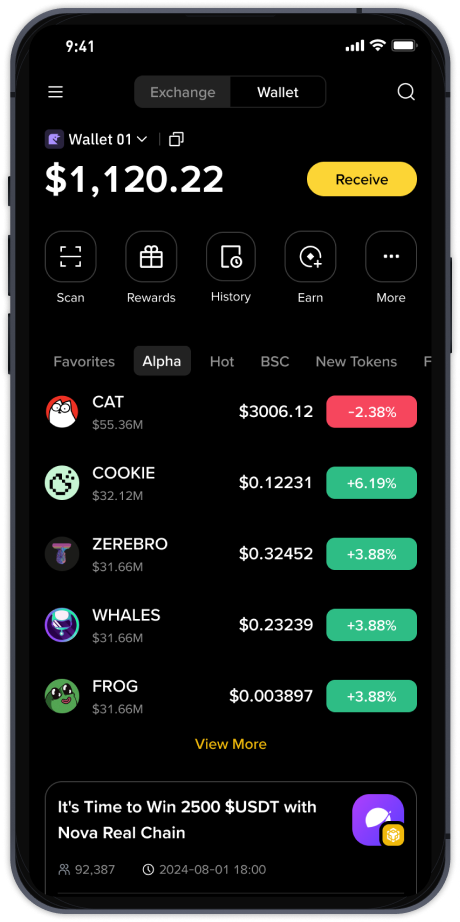
First, ensure your Binance account is verified and funded. Log in to your Binance account via the website or mobile app. Navigate to the "Wallet" section and select "Spot Wallet." Locate GALA in your asset list. If you don’t see it, use the search bar. Next, click the "Withdraw" button next to your GALA balance.
You will need a receiving address. If you are withdrawing to a non-custodial wallet (like MetaMask or Trust Wallet) or another exchange, copy the correct GALA deposit address from that platform. Be extremely careful: GALA tokens typically exist on multiple blockchains. On Binance, GALA commonly supports the BEP-20 (Binance Smart Chain) and ERC-20 (Ethereum) networks. Check which network your receiving wallet supports. Sending GALA on the wrong network can result in permanent loss of funds. For example, if your wallet only supports BSC (BEP-20), do not select ERC-20.
After pasting the address, double-check every character. A single typo can be disastrous. Next, select the network. If your wallet supports both, choose the one with lower fees (often BEP-20). Enter the amount of GALA you wish to withdraw. Remember that withdrawals may have a minimum amount and a network fee deducted from your balance. Review the withdrawal details carefully.
Binance will then send a confirmation to your registered email and SMS. Some accounts may also require Google Authenticator or hardware key confirmation. Enter the codes to finalize the withdrawal request. Processing time varies: withdrawals on BEP-20 are usually faster and cheaper, while ERC-20 may take longer due to Ethereum network congestion. You can track the status under "Withdrawal History" in your Binance wallet.
After the transaction is confirmed on the blockchain, the GALA will appear in your external wallet. Verify on the blockchain explorer (like BscScan or Etherscan) by entering your transaction ID. If you are moving a large amount, it is wise to send a small test transaction first to confirm the network and address are correct.
Important security notes: Always use only official Binance website or app. Never share your private keys or seed phrase with anyone. Beware of phishing sites pretending to be Binance. Keep your withdrawal address saved in a trusted address book to avoid future mistakes. If you encounter issues like a pending withdrawal that doesn’t go through, contact Binance customer support through the official help center.
In summary, withdrawing GALA from Binance is straightforward if you pay close attention to network selection, address accuracy, and security protocols. Always confirm the receiving wallet supports the chosen blockchain. By following this step-by-step process, you can safely transfer your GALA tokens to your personal custody.