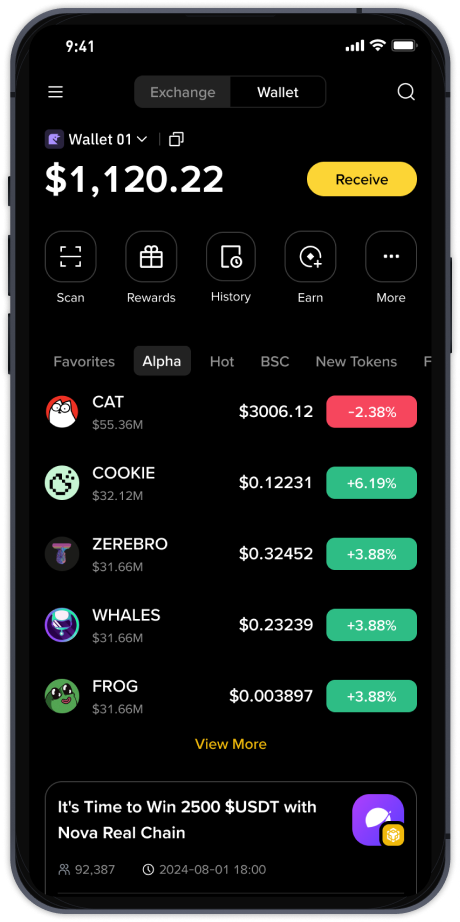
How to Withdraw Bitcoin from Binance Exchange: Step-by-Step Guide for Secure Transfers

Withdrawing Bitcoin from Binance involves moving your digital assets from the exchange’s wallet to your own private wallet or another platform. This process is essential for users who want full control over their funds, participate in decentralized finance, or simply store Bitcoin securely outside an exchange. Binance, being one of the largest crypto exchanges globally, offers a straightforward withdrawal system, but users must follow specific steps to avoid errors or unnecessary fees.
First, log in to your Binance account and navigate to the "Wallet" section, then select "Spot Wallet" or "Fiat and Spot Wallet." Click on the "Withdraw" button next to Bitcoin in your asset list. You will be prompted to enter the withdrawal address. This address should be copied carefully from your destination wallet—typically a hardware wallet, software wallet, or another exchange’s BTC deposit address. Double-check that the address is correct because Bitcoin transactions are irreversible. Binance also supports address whitelisting, which adds an extra layer of security by allowing withdrawals only to pre-approved addresses.
Next, select the network. Bitcoin primarily uses the BTC network, but Binance also supports other networks like BEP-20 (Binance Smart Chain) or ERC-20 for wrapped Bitcoin. Choose the network that matches your destination wallet’s supported network. For a standard Bitcoin withdrawal, the BTC network is recommended, although it may have higher transaction fees compared to BEP-20. The network fee is automatically calculated based on current blockchain traffic and can be adjusted if you select a custom fee, though lower fees may take longer to process.
Enter the amount of Bitcoin you want to withdraw. Binance imposes minimum withdrawal limits—currently around 0.001 BTC or its equivalent—and users must ensure their balance covers both the amount and the network fee. After confirming the amount, review all details: address, network, amount, and fee. Binance will ask for two-factor authentication (2FA) via Google Authenticator, SMS, or email verification. Complete the 2FA step to submit the withdrawal request.
Once submitted, Binance processes the withdrawal. Depending on network congestion and security checks, this can take anywhere from a few minutes to an hour. You can track the status under "Withdrawal History" in your wallet. If the transaction is pending for too long, Binance may require additional verification—especially for large amounts or new wallets. In such cases, check your email or the Binance app for a confirmation prompt.
Finally, after the transaction is confirmed on the blockchain, the Bitcoin will appear in your destination wallet. Always check the transaction ID (TXID) on a block explorer like Blockchain.com to verify the number of confirmations. For Binance users who plan to hold Bitcoin long-term, withdrawing to a cold wallet like Ledger or Trezor is recommended to minimize exposure to exchange-related risks. By following these steps, you can safely and efficiently withdraw Bitcoin from Binance while maintaining control over your assets.